01 · Me-Z-Scene Creator
Make and publish a roleplay town
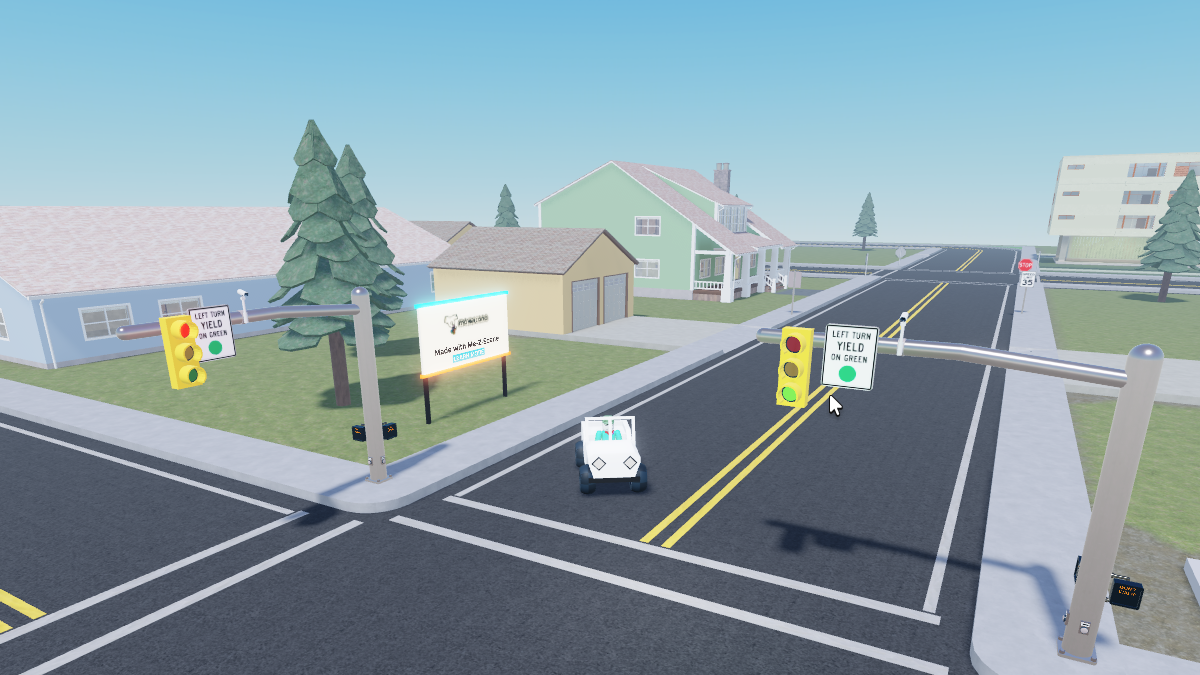
Start with Build Your Haven, a Set with a neighborhood and curated assets. Connect Studio with the Creator plugin and ask the Me-Z-Scene agent in your browser to add a row of shops.
Add Play from Creator Hub, then publish from Studio under your Roblox name or group.
02 · Me-Z-Scene Play
Join the town and shape it
A player joins your published town in Roblox, walks into one of the shops, and asks the in-game Me-Z-Scene agent to change it.
Example player prompt
“Turn this empty shop into a cozy café.”
Tables, chairs, and a counter take shape as they play, within the areas your game lets players build in.